encompass360
The whole batch, on one screen.
encompass360 reads the systems your plant already runs, lines their records up on one time axis, and shows a batch the way a reviewer needs to see it: what happened, when, and what was happening around it. Nothing in the source systems is changed.
How it works
Three steps. The review layer never writes to your systems.
- It readsEach system keeps its own records and its own audit trail. The review layer reads them where they sit and writes nothing back.
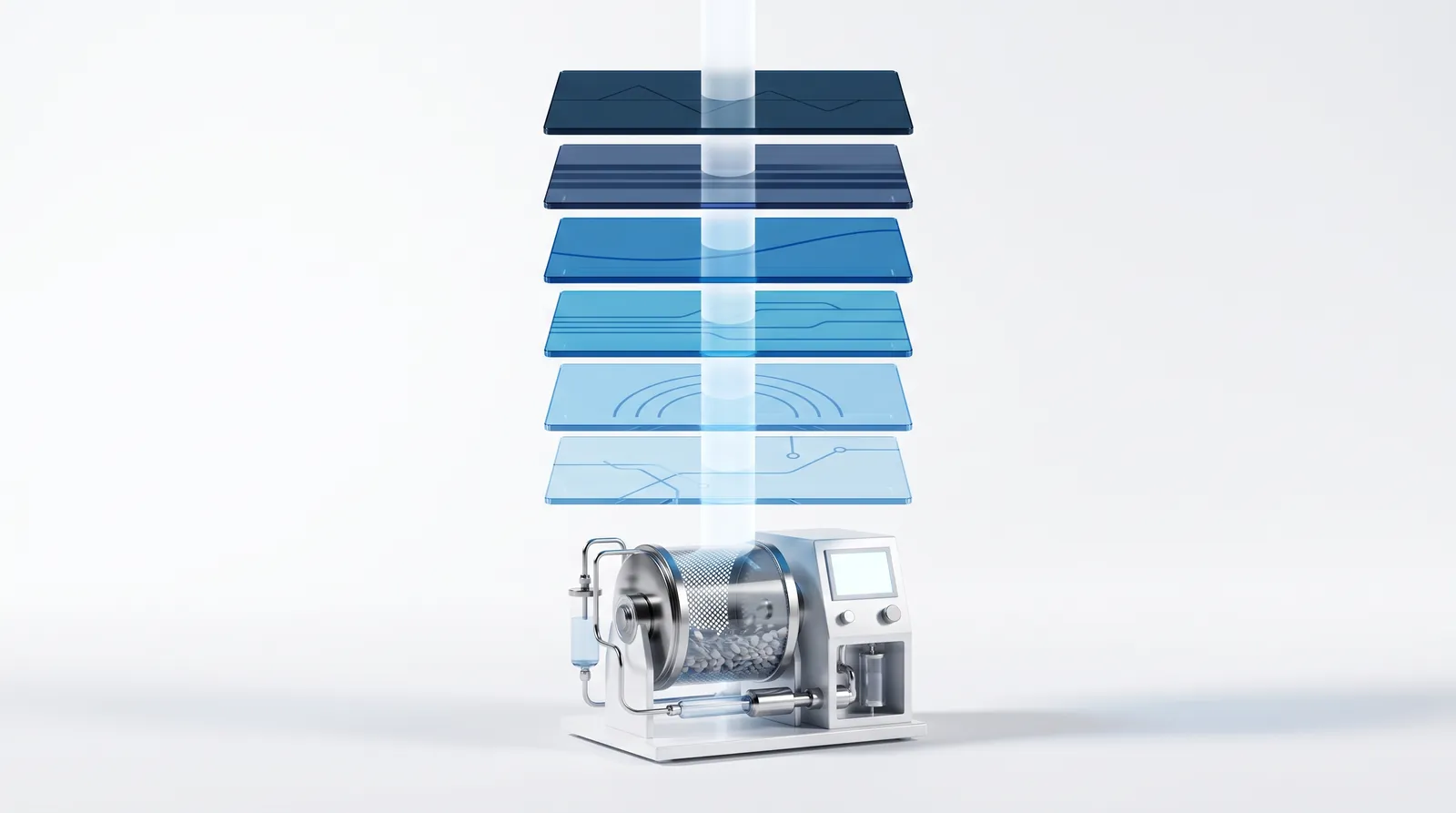
- It lines them upEvery reading is placed on one time axis for the batch: the process trend, the alarms, the recipe steps, the limits, the material lots, the room conditions.
- It shows the batchOne batch on one trend, with its process steps, alarm limits, alarms and batch data layered where they belong. Compare it to the best batch you ever ran.
What goes on the axis
Six sources. One batch. One time axis.
Each source stays in its own system of record. The regulation each one answers is beside it.
- 01Process trendHistorian data, read in place: AVEVA PI, Proficy Historian211.188
- 02Alarms and eventsFrom the control system, placed at the moment they fired211.100
- 03Process stepsFrom the batch system211.186
- 04Process alarm limitsFrom the MES and recipe system211.110
- 05Batch metadataFrom the batch database211.188(b)(3)
- 06Room conditionsBuilding management and environmental monitoring for the same window211.46
What you can do with it
The investigation, start to finish.
Batch against batch
One-touch batch comparison: this batch beside the best one you ever ran. Retrieve data by batch or by date range, one batch or many.
Every source on the trend
Rich, interactive visualisations that layer data from multiple, disparate sources and vendor systems: the historian, the alarms, the process steps and the alarm limits.
Plant-wide, from anywhere
Plant-wide access to all manufacturing and packaging line data. Access critical processes from anywhere, instantly.
Reports from every source
Centralised reporting in the browser and as PDF, emailed automatically. Reports developed by hand or generated with AI.
Recipes and work instructions
Central recipe editing with full revision history, approval and an audit trail of every change; production only sees approved, released recipes. Electronic work instructions are in development.
Video tied to the batch record
Cameras on the line, indexed to the same time axis, for regulated batch investigation. In development for the browser version.
Batch at a Glance
One batch, every layer, one trend.
Batch at a Glance puts a single batch on a single trend and layers every source where it belongs, so a reviewer reads what happened, when, and what was happening around it, without going system to system.
- Process stepsFrom the batch system.
- Process alarm limitsFrom the MES and recipe system.
- Batch metadataFrom the batch database.
- Historian analog dataOSI PI and Proficy Historian.
- Trend dataset informationAnd the method used to retrieve the data.
- SCADA alarms and eventsOn the trend, in the grid and in pop-ups.
Coming in the browser version
The next generation runs in a browser, not on a workstation.
encompass360 today is deployed per machine. The next version brings the same record to any browser on the plant network, and adds the tools our customers ask for first. In development.
- Delta cursortwo cursors, the difference read out
- Magnifierdrag to zoom on one stretch of the trend
- Click any pointbatch number, recipe, who was logged in
- Process steps on the trendwarm-up, spray, cool-down, with recipe setpoints beside actuals
- What changeda plain-language summary of the differences between two batches
- Six cameras beside the parametersthe operators and the line at the moment of the excursion
Where it runs
On your network. Read-only. Two form factors.
Deployed on your own network, on the floor or in the office, stand-alone or across the enterprise. The review layer reads every source in place and writes nothing back. Whether that touches the validated state of the historian or the MES is your change-control call; we supply the connection description and the read-only evidence that goes into it.
A quality reviewer sits at a workstation and compares batches side by side. Maintenance carries a tablet onto the floor. Both look at the same record. Connection topology and direction for your site are answered in the deployment conversation.
Next step
See encompass360 on a line like yours.
A live walkthrough on a process like the one you run, with the people who build it.